Secure Your Streaming Accounts While Staying in Hotels
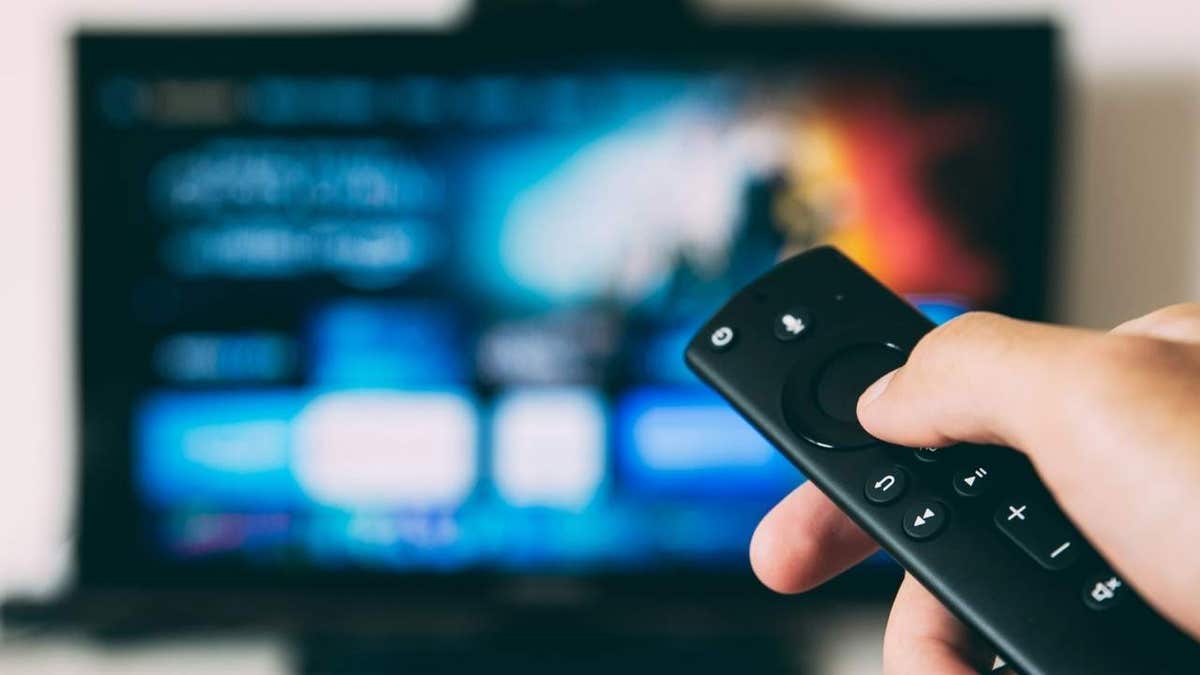
Upon arriving at your hotel after a long journey, you may find a comfortable room awaiting with a large TV loaded with streaming apps. While it may seem harmless to log in for entertainment, remember that these TVs are shared by many guests.
When you sign into a streaming service on a hotel TV, it’s easy to forget to log out, potentially leaving your account accessible to others. This can allow the next guest to watch shows, switch profiles, or view parts of your viewing history. Many services, like Netflix, offer tools to help manage device access remotely if you forget.
Risks of Hotel TV Usage
A hotel TV is not your personal set. It is a shared device. Apps may save a session so that frequent logins are unnecessary. While your password isn’t stored in plain text, an active session may allow the next guest access.
“Hotel televisions should not be treated as personal devices,” warns experts, as the difference in software can affect security and privacy.
Some hotels offer secure casting options from your device. This provides a safer way to view content without entering your credentials on the TV.
Protecting Your Privacy
Smart TVs can track content viewed through technology such as Automatic Content Recognition (ACR). This feature collects data based on what plays on the screen. Commercial software in hotel TVs might differ, but keeping caution is wise.
To secure your accounts, use personal devices for streaming. If your hotel provides casting or HDMI options, connect your own device to the TV.
Considerations for Hotel Wi-Fi
While major websites use HTTPS encryption, connecting through hotel Wi-Fi still poses risks. A VPN can encrypt your connection, enhancing privacy. It’s important to understand a VPN does not make you anonymous to streaming services.
For further protection, review expert recommendations on the best VPNs for devices at CyberGuy.com.
Steps to Take if You’re Already Signed In
- Before checkout, open the streaming app and select sign out. Turning off the TV is not enough.
- Review account security settings and manage device access remotely.
- If you’ve checked out and forgot to logout, use the app’s settings to sign out the TV.
- Check activity logs for unauthorized viewing. Change your password if suspicious activity is noted.
- Enable any extra security features offered by your services, like verification codes.
Strategies for Safeguarding Your Information
When using hotel TVs, prioritize secure casting. Avoid inputting credentials on devices that aren’t yours. Consider using your phone or tablet for streaming and connect via HDMI if possible. Utilize VPN when browsing on hotel Wi-Fi. Ensure logging out is part of your checkout routine.
If you’ve ever encountered someone else’s account left logged in at a hotel, share your experiences at CyberGuy.com.
Stay Informed on Technology and Security
Sign up for the CyberGuy Newsletter for expert tech advice, security alerts, and deals. Visit CyberGuy.com for practical scam prevention tips and gain immediate access to the Ultimate Scam Survival Guide.
Learn from Kurt “CyberGuy” Knutsson, a seasoned tech journalist sharing insights on Fox News and FOX Business. His contributions aim to simplify and enhance your tech experience.