Protecting Your iPhone from Scams: Stay Safe from Thieves
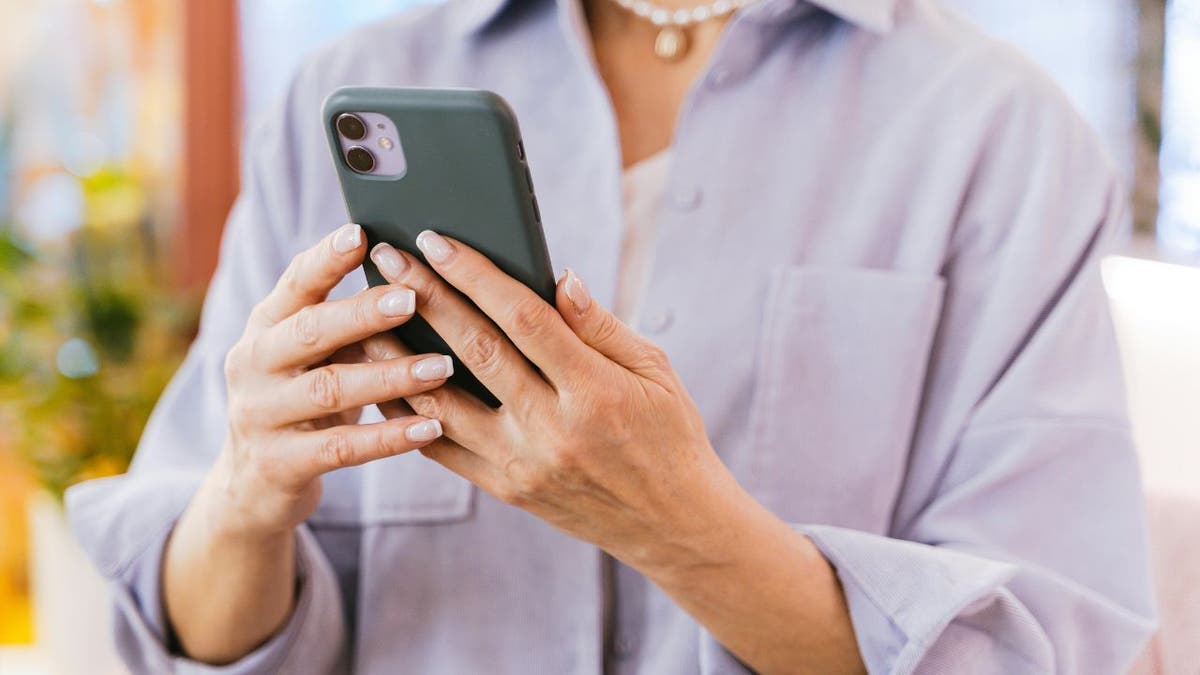
Your iPhone becomes less appealing to thieves once you mark it as lost. Apple’s Activation Lock helps make stolen devices difficult to sell. Despite this, some criminals found a way to bypass these defenses.
How Thieves Trick Stolen iPhone Owners
Research reveals that criminals use fake Apple pages, smishing texts, and Telegram-based tools to obtain passcodes. Infoblox Threat Intel highlights this issue by analyzing DNS activity, which acts like an online phone book. They detect fake domains and scam pages through suspicious traffic patterns. The scam feels personal because thieves often have your phone, and messages seem credible.
Scam Details Uncovered
Researchers show that criminals prioritize reselling the phone. Once they have your passcode, they can disable protections and wipe the device. Live classes are available to help protect your phone data. One case involved a victim receiving a suspicious text linking to a fake location page, asking for their PIN code.
Why iPhone Passcodes are Valuable
Locked iPhones have limited resale value. Thieves use Telegram groups for unlocking services. These services vary from targeting older models to gathering data for phishing attacks. Some tools disable ‘Find My iPhone’ and fake Apple login pages. Prices for unlocking can range from $5 to $50, making it accessible for scammers.
Fake Messages and Their Impact
The scam continues with customized phishing messages that include personal details. Once victims enter their information, criminals use Telegram to access and prepare the phone for sale.
Rise of Stolen iPhone Scams
More than 10,000 domains are tied to phone unlocking and smishing schemes. Traffic to verified scam domains increased by 350%. Criminals even bypass Google Safe Browsing warnings to keep scam pages active.
What This Means for iPhone Users
When your phone is stolen, beware of urgent messages claiming to help. Apple never asks for your passcode via text. If you disclose it, you risk aiding in the unlocking of your device.
Steps to Avoid iPhone Scams
- Do not enter your passcode from a text link.
- Use the Find My app or visit iCloud directly.
- Treat urgent recovery messages with skepticism.
- Use a strong, secure passcode.
- Keep Activation Lock enabled.
- Avoid removing your phone from Apple Account hastily.
- Utilize strong antivirus software to block threats.
- Report the theft to police and your carrier.
Android users should follow similar precautions. Instead of asking for an iPhone passcode, fraudsters may request Google or Samsung account information via fake messages.
Conclusion
A stolen iPhone used to be hard to resell due to Activation Lock. Now, scammers try to involve you in the unlocking process using fake Apple websites and urgent messages. The best defense is caution. Use official Apple tools and ignore messages that request your passcode, as it could be the only thing preventing a thief from reselling your iPhone.
If you have suggestions, contact us with your insights. Subscribe to the CyberGuy Report for tech tips and security alerts. Visit CyberGuy.com for more scam prevention strategies.