Apple’s Foldable iPhone Duo and iOS 27: Enhancing Photo Sharing
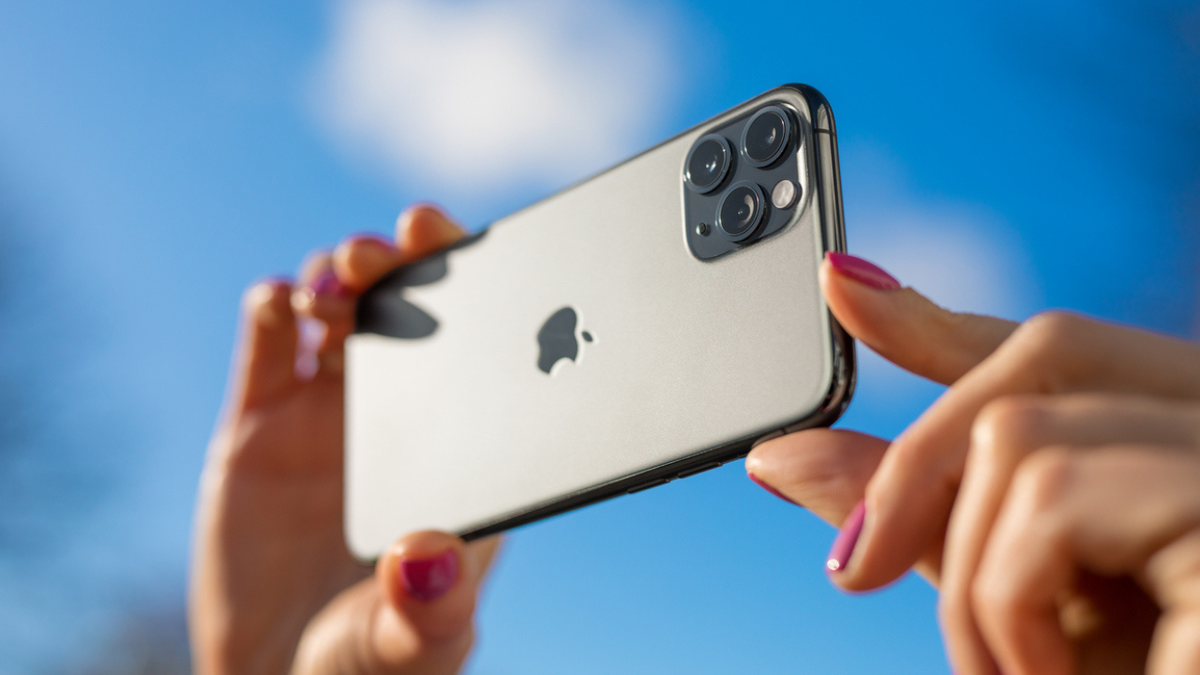
Apple introduced the foldable iPhone Duo with a starting price of $1,999, drawing substantial consumer interest. The phone’s dual-screen feature and slim design stand out. Despite its high price, enthusiasm remains high, with options reaching $3,000 for increased storage.
With iOS 27, Apple has tackled photo resolution issues. Shared Albums can now hold images and videos at their original, full resolution. Previously, Shared Albums reduced photo quality when shared across different devices. This change enhances how images are displayed, particularly when printing or zooming in on pictures. The resolution improvements position Apple alongside Samsung Galaxy and Google Pixel phones, which already offer ways to send original photo files.
iOS 27 and Shared Albums Improvements
Before iOS 27, Shared Albums reduced photos to 2,048 pixels on the longer side. Videos were capped at 720p. The update allows newly added media to be stored in full resolution via iCloud. However, these items will contribute to the iCloud storage capacity of the album owner, including additions from other users.
To enable Shared Albums in iOS 27:
- Open Settings
- Tap your name
- Tap iCloud
- Select Photos under Saved to iCloud
- Ensure iCloud Photos is enabled
- Scroll down and turn on Shared Albums
Creating and Updating Shared Albums
To create a Shared Album in iOS 27:
- Open the Photos app
- Tap Collections
- Scroll to Shared Albums
- Tap the ‘+’ button
- Name the album and select photos/videos to add
- Choose sharing options and tap Done
Existing albums can upgrade to this new experience. It ensures future photo and video additions are preserved in full quality. Albums made before iOS 27 will not auto-update to display previous images at full resolution.
Managing Storage and Sharing Across Devices
Full-resolution files require more storage. A smartphone photo might be several megabytes, and videos can be much larger. Check storage use through Settings to ensure adequate space.
Quick Share, available on Samsung and Google Pixel phones, sends files directly and maintains original quality:
- Open the Gallery app
- Select a photo or video
- Tap Share and choose Quick Share
- Select a nearby device and confirm transfer
Recent updates have enabled some Android phones to share directly with Apple devices using AirDrop, with temporary availability through QR codes for others.
When maintaining image quality is vital, opt for methods like Quick Share or iOS 27’s improved Shared Albums. These tools help preserve crucial details in high-resolution photos, ensuring the best quality for important prints or archival purposes.
Conclusion
The introduction of Apple’s foldable iPhone Duo and iOS 27’s enhancements in Shared Albums highlight a growing focus on keeping high photo quality. With new options offering improved resolution support, users can confidently share images while maintaining original detail.